
Native render engine
Lumasmith shows up in Cinema 4D’s renderer list. Prepare Render Queue exports the scene once on the main thread, so the render thread never calls Python — the crash that killed the first queue test.
shippingTechnical beta · CUDA 12.8 · Cinema 4D 2027
Lumasmith is an independent CUDA path tracer that runs as a render engine inside Cinema 4D. Progressive and physically based, with NEE lighting, GGX materials and OIDN denoising — no export roundtrip, no second application.
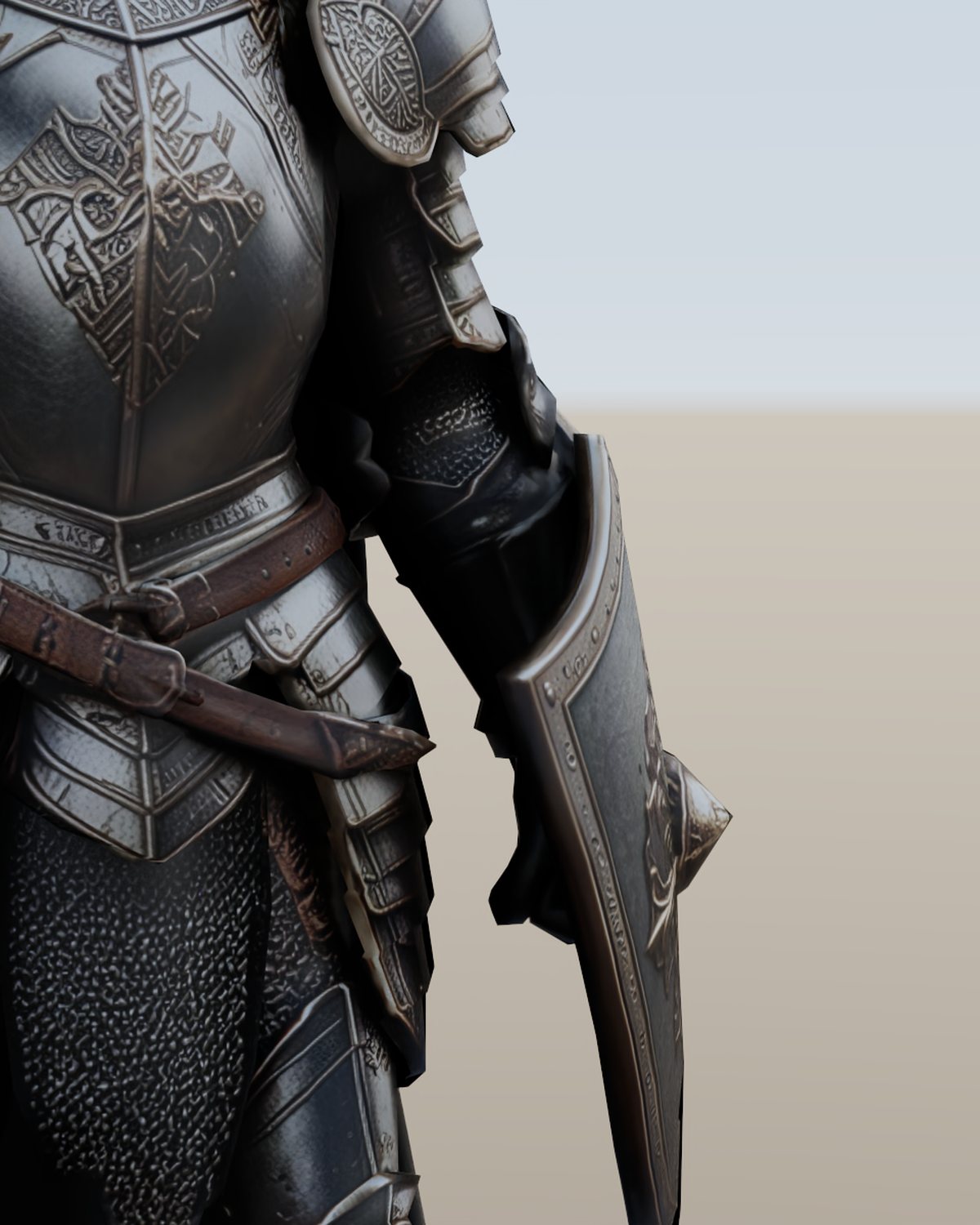
3.57 s / frame · 1080p · 128 spp + OIDN
RTX 4090, Render Queue, 10/10 frames
frames, no crash · 89.6 ms/frame
16 ms global timer, 8 spp per frame
p95 apply, 26-tri scene · 13.8 ms at 10k tris
01 — Capabilities
Every row is a feature that has been built and run on the current build. The notes are measurements, not intentions — including the rows that say not yet.
3.8 G samples/s on the PBR test scene; BVH 828 vs 128 Msamples/s brute force.
Directional Lambert test: 0.0002% error against the analytic result; shadows verified.
White metal reads 0.99965 where energy conservation asks for 1.0.
Spheres stay smooth at the silhouette; transmission comes from the C4D transparency channel.
Native triplanar projection, so Redshift colour layers survive the trip from C4D.
In live it only starts after 1 s of idle at 64 spp, so it doesn’t flicker while you move.
Moving one area light changed 277,301 pixels with no scene reload.
200/200 frame soak and a 10-frame 1080p run, plus cancel — no crash.
On the 10-material test scene: 4 ready, 4 partial, 2 fallback. Procedural bakes are still manual.
Area lights only; directional lights don’t emit photons yet.
Temperature drives a blackbody colour; volumetric NEE with 64 samples. Multiple scattering missing.
Working outside the queue; not yet wired into the native render engine.
Only the AO pass, and only from the CLI.
Area, omni and directional only, in both live and queue.
Today it is a plugin folder you copy into Cinema 4D.
02 — The engine
The kernel, the integrator, the C4D bridge and the live viewer are one codebase. There is no host renderer underneath.
Lumasmith shows up in Cinema 4D’s renderer list. Prepare Render Queue exports the scene once on the main thread, so the render thread never calls Python — the crash that killed the first queue test.
shipping8 samples per frame while the camera moves, on a 16 ms global timer. The viewer window is optional: the renderer can stay hidden and publish frames into the C4D dialog.
shippingArea, omni and directional lights stream over UDP. Materials send only the fields you changed, so a colour tweak doesn’t wipe a metallic map.
shippingPreflight every material as READY, PARTIAL, BAKE or ERROR, then build non-destructive converted copies with base colour, roughness and normals — with undo and an HTML report.
partialOIDN runs on the GPU with a CPU fallback, and it only engages once you stop moving. The AO pass is applied after denoising, so it doesn’t get smeared away.
shippingCinema 4D writes the VDB cache, Lumasmith resamples density and temperature and ray-marches it — including through secondary rays, so fire lights the floor.
prototype03 — Frames
Straight from the renderer: no compositing, no retouching. Where a frame came from the Render Queue or the live viewer, the caption says so.
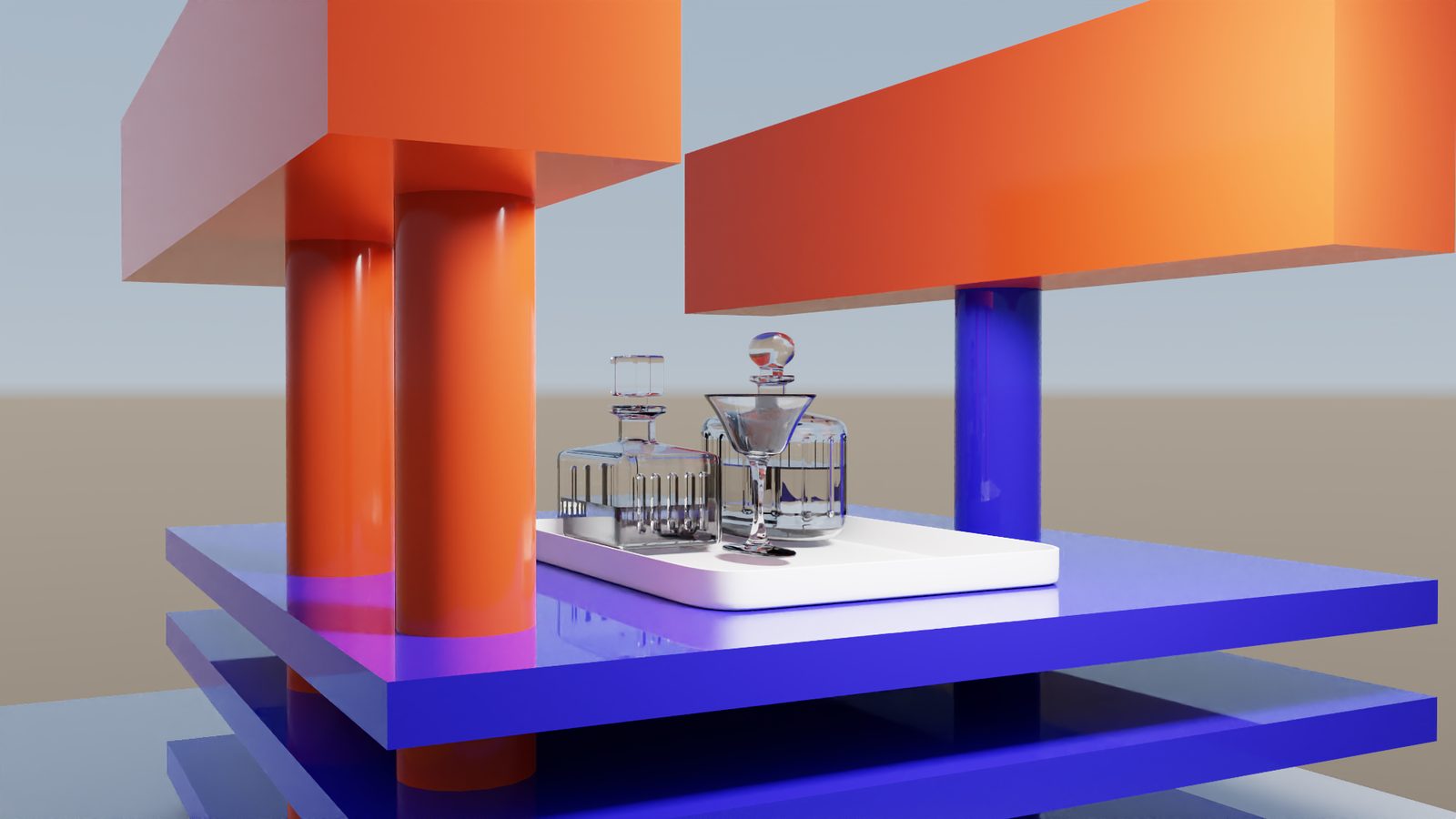
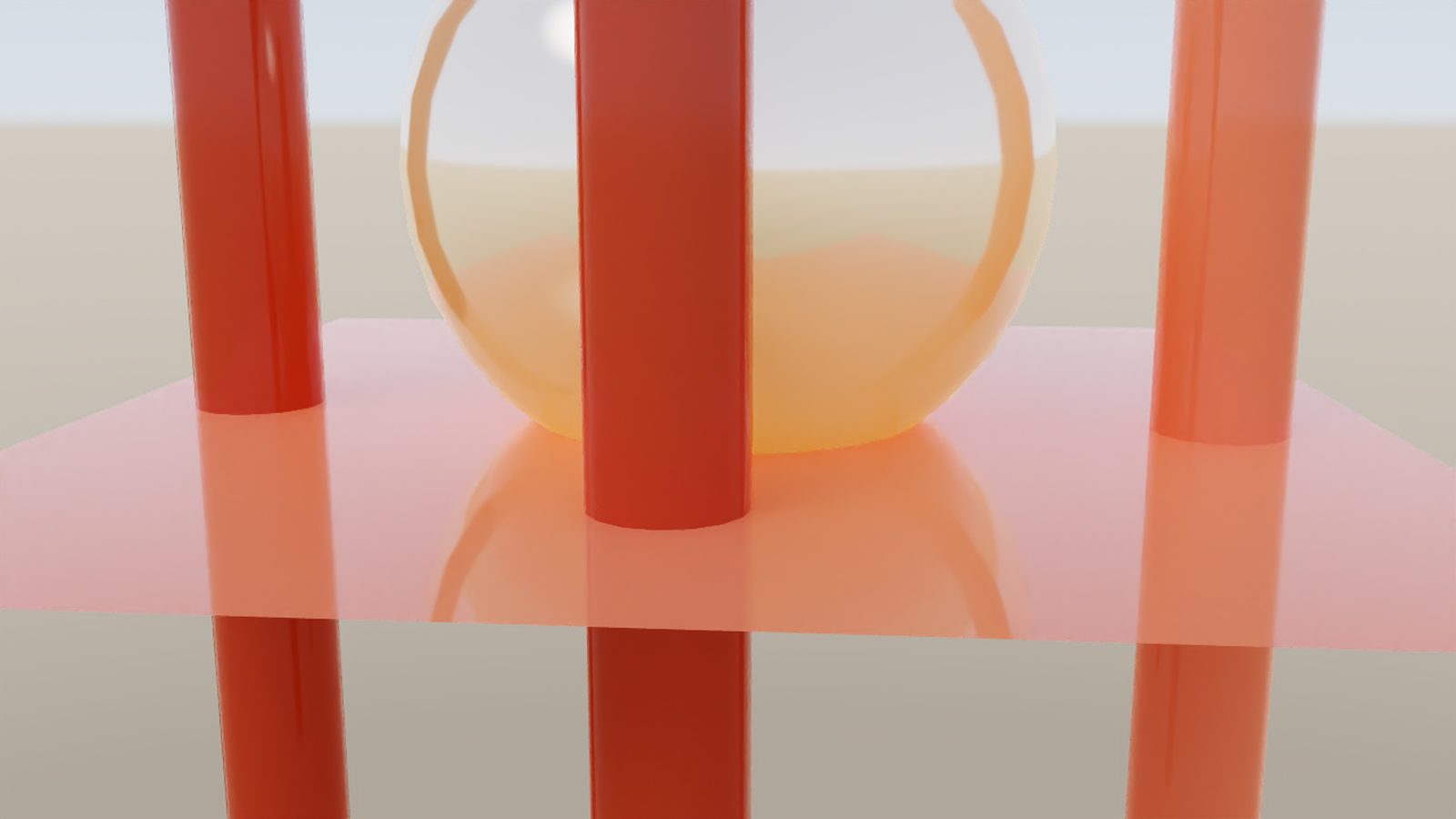
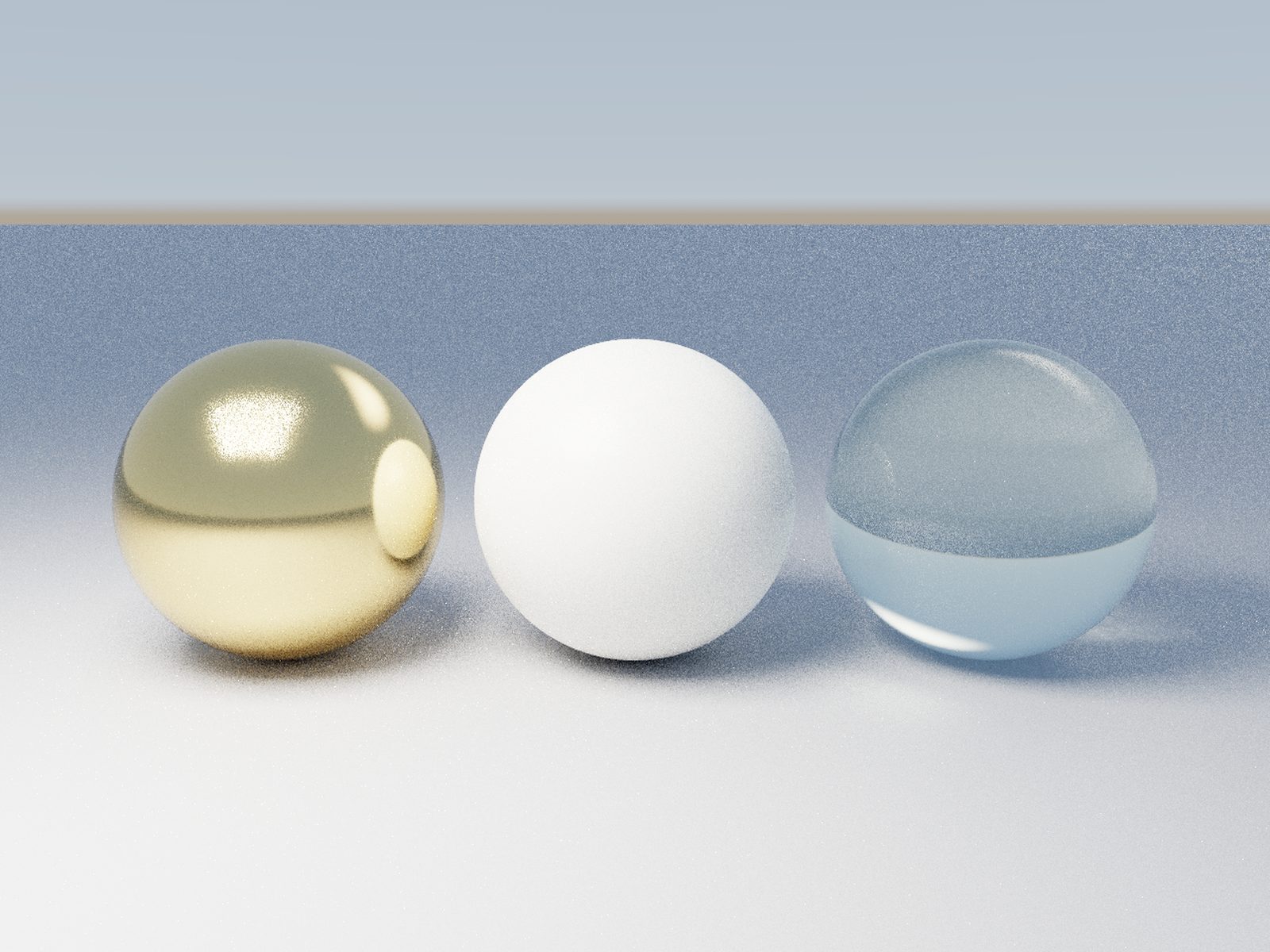
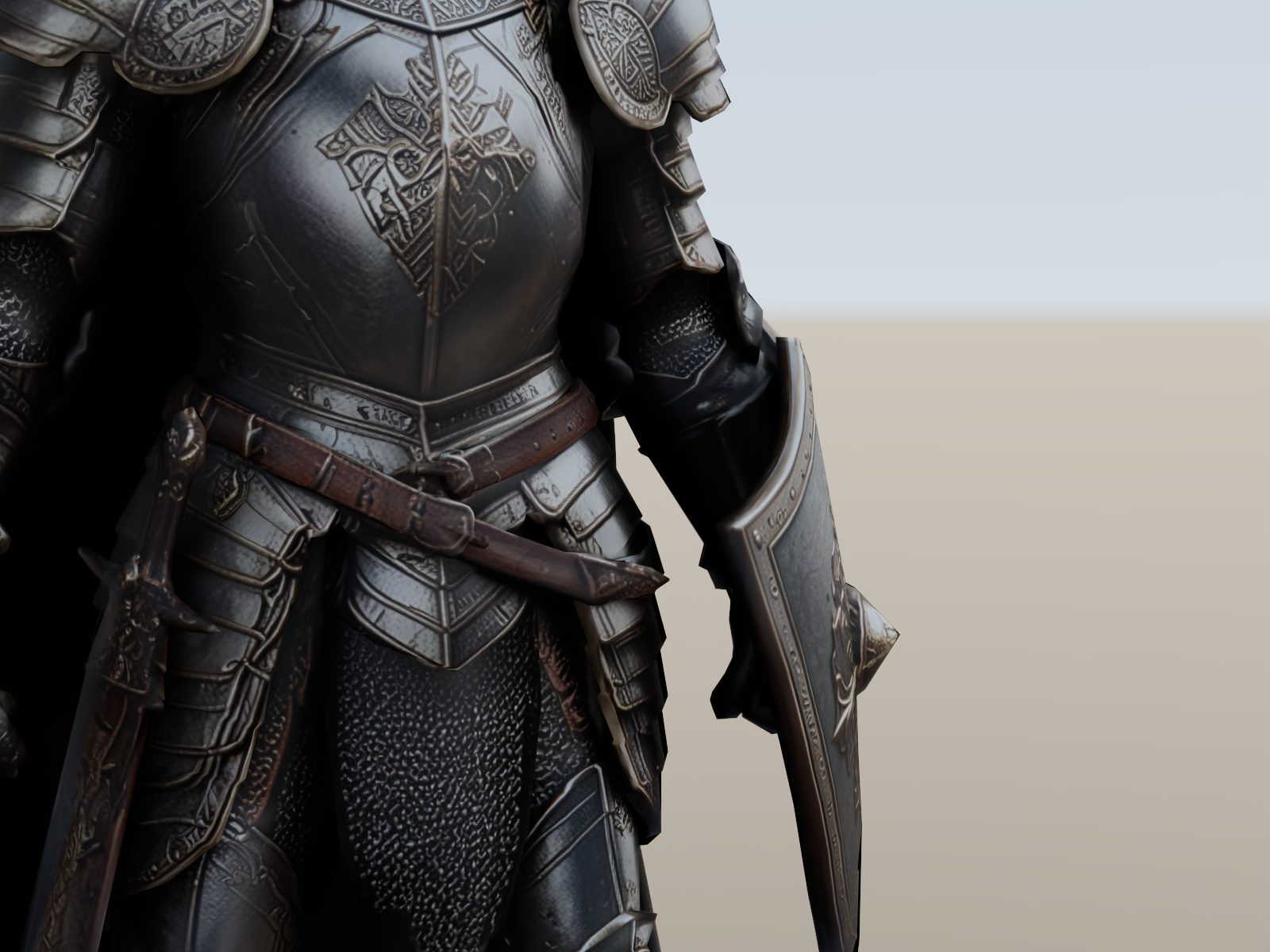
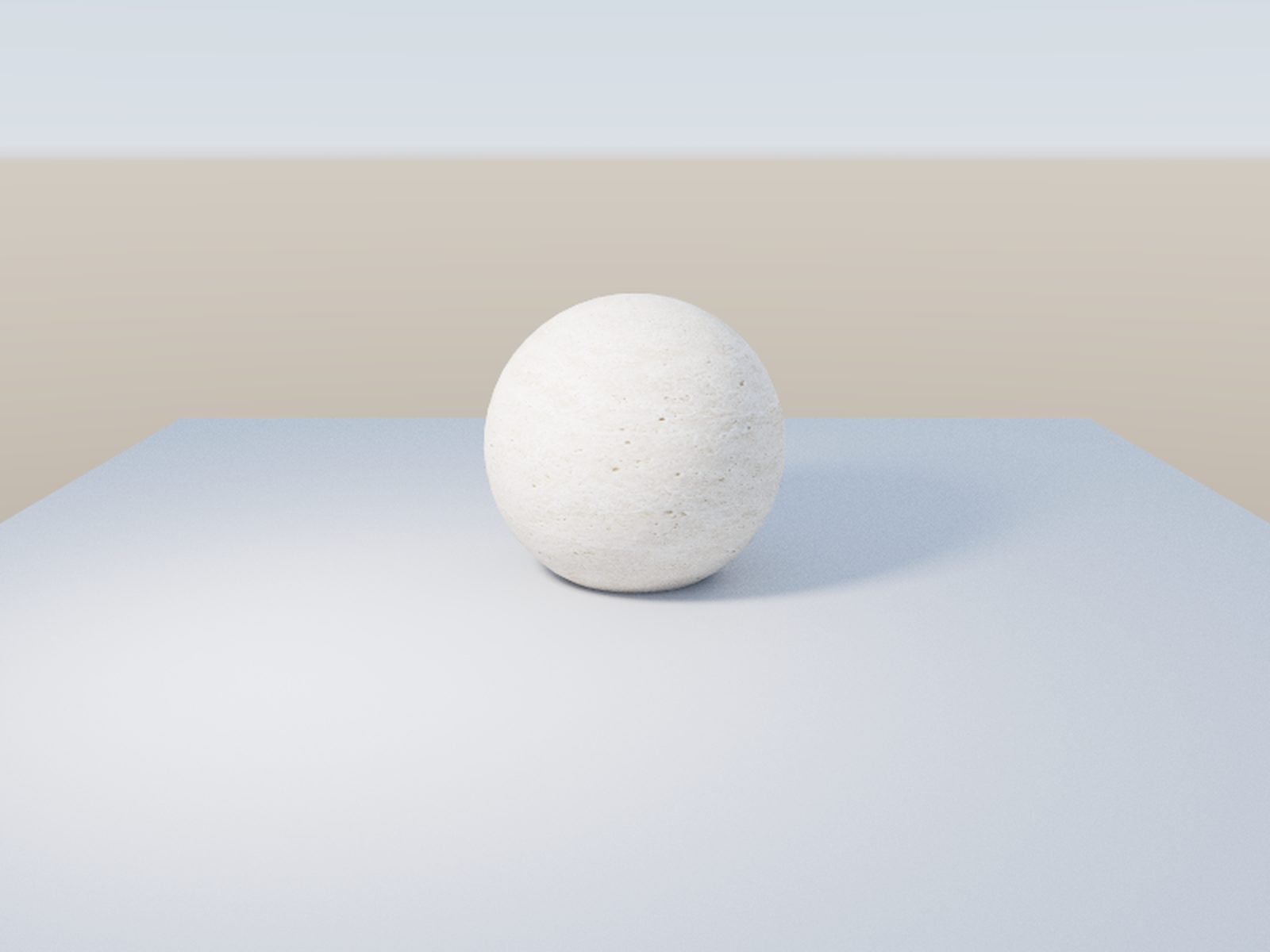
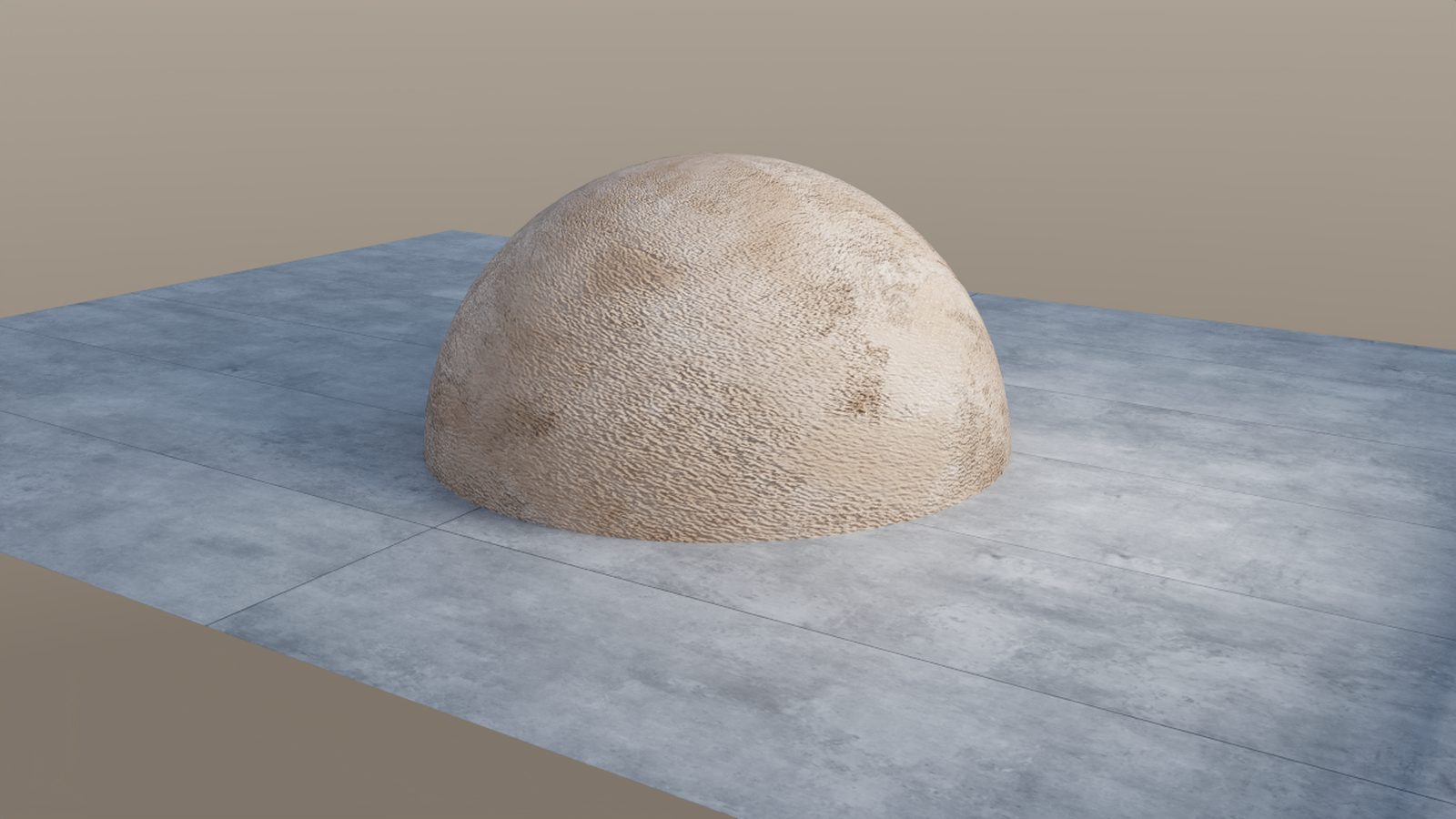
Single RTX 4090 · Windows 11 · CUDA 12.8 · frames as written by the renderer.
04 — Roadmap
The order of work is deliberate: stability first, then textures and animation, then packaging.
Long 1080p queues and GPU memory behaviour, progress and ETA, the AO pass out of the queue rather than only from the CLI.
Mipmaps and trilinear filtering, texture transform, EXR/TGA/PSD support, lower VRAM per map. On the material side: automatic bake for the fallback cases, metallic maps into the converted materials, triplanar preserved on copies.
Motion blur and depth of field inside the render engine, deformation and vertex streaming, adaptive sampling, temporal denoise. Volumes move from diagnostic to production: sparse grids, multiple scattering, fuel and soot.
Installer, final plugin ID, licence and EULA, documentation, demo scenes, crash reporting and support. No date promised until the queue is boring.
05 — Requirements
One machine configuration is verified end to end. Wider hardware support comes after the product work, not before.
The plugin is a folder copied into Cinema 4D. There is no installer yet, and no licence to agree to.
06 — Questions
No. It is a technical beta: no installer, no licence, no price. Builds go to a small number of testers, and testers are told before anything changes about that.
It is an independent renderer, not a wrapper. It lives in Cinema 4D’s renderer list next to the others, chosen per scene, so you can keep both and compare the same job.
OpenPBR and Standard materials are mapped, node groups are traversed, and Maxon Asset Browser textures are materialised. Procedural setups that cannot be resolved are marked BAKE and skipped — the converter does not invent values.
Yes. Transmission uses interpolated normals so glass stays smooth. Caustics come from a CPU photon map that currently only samples area lights.
Because Cinema 4D runs render engines on a worker thread, and calling Python from there crashed the host. Preparing the scene once, on the main thread, is the fix. If geometry, materials, lights or environment change afterwards, prepare again.
Windows 11 with an NVIDIA RTX card (CUDA 12.8), inside Cinema 4D 2027. macOS, AMD and Intel Arc are not supported in this beta.
07 — Test the build
Production scenes are what this beta needs most. Tell me your GPU and what you shoot; builds are shared by hand, with a changelog.